For corporate trainers, HR and L&D teams
An office guide people open while they work
Employees rarely read a policy deck twice, but they do look things up when a task is in front of them. Give them a practical guide to the tools and routines your team uses, with step-by-step instructions, examples and checklists, typeset as a PDF for the intranet and an EPUB for reading on the go.
- Chapters organized around real office tasks
- Free editable outline and 2-page sample
- Add your own procedures and screenshots
- Print-ready PDF and EPUB, one price per book

Training ends, and the questions start
A software rollout usually comes with a training session and a recording. Two weeks later someone needs to clean up a spreadsheet, summarize a long report or set up a recurring meeting template, and the recording is an hour long with no chapters. They ask a colleague, the IT helpdesk or nobody, and the new tool ends up used for a fraction of what it can do.
A written guide built around tasks closes that gap. Instead of a tour of every menu, it answers questions like “how do I turn these meeting notes into a list of decisions” or “what am I allowed to paste into an AI tool”. New hires get the same explanation on day one whoever onboards them. Trainers get material to assign between sessions. HR and L&D teams get one reference they can update when tools or policies change, instead of a folder of slides that nobody maintains.
Writing that guide is the part that usually slips. Trainers are busy delivering sessions and internal experts have their own jobs. With InkMagnet you describe the tools, the team and the tasks that matter, attach existing notes or procedures, and edit the free table of contents. You review two typeset pages before paying. After payment the guide is researched, written chapter by chapter, edited and set into PDF and EPUB, and you add company-specific details yourself in the editor.
Guides trainers and L&D teams make
Start from the tasks people ask about most after training. Formats that fit office work:
AI at work guide
How to write useful prompts, check results and handle company data when using AI assistants for writing, analysis and meeting notes.
Spreadsheet skills book
Formulas, cleaning data, pivot tables and charts explained through tasks people actually do, from monthly reports to budget tracking.
Onboarding manual
Tools, routines and standards for new hires, from email etiquette to file naming and who to ask for what. Every new person gets the same start.
Software rollout companion
A guide that goes out with a new system: the core workflows, common mistakes and a checklist for the first weeks of use.
Business writing handbook
Emails, reports, summaries and meeting minutes with examples and templates. Useful for teams that write to clients every day.
Security and data habits
Passwords, phishing, sharing files and handling personal data, written as practical rules rather than a policy document.
A real book made with InkMagnet
Example: “ChatGPT at Work: A Practical Guide for the Office” (48 pages)
A guide made in InkMagnet for office workers starting with an AI assistant. Five chapters follow the working day: the first steps and how memory and projects work, writing and editing documents and emails, data and spreadsheets, meetings and notes, and finally automation, integrations and company data security, including how to build the habit across a team. Below is its full table of contents.
ChatGPT at Work: A Practical Guide for the Office · 48 pages · See the book page →
Table of contents
-
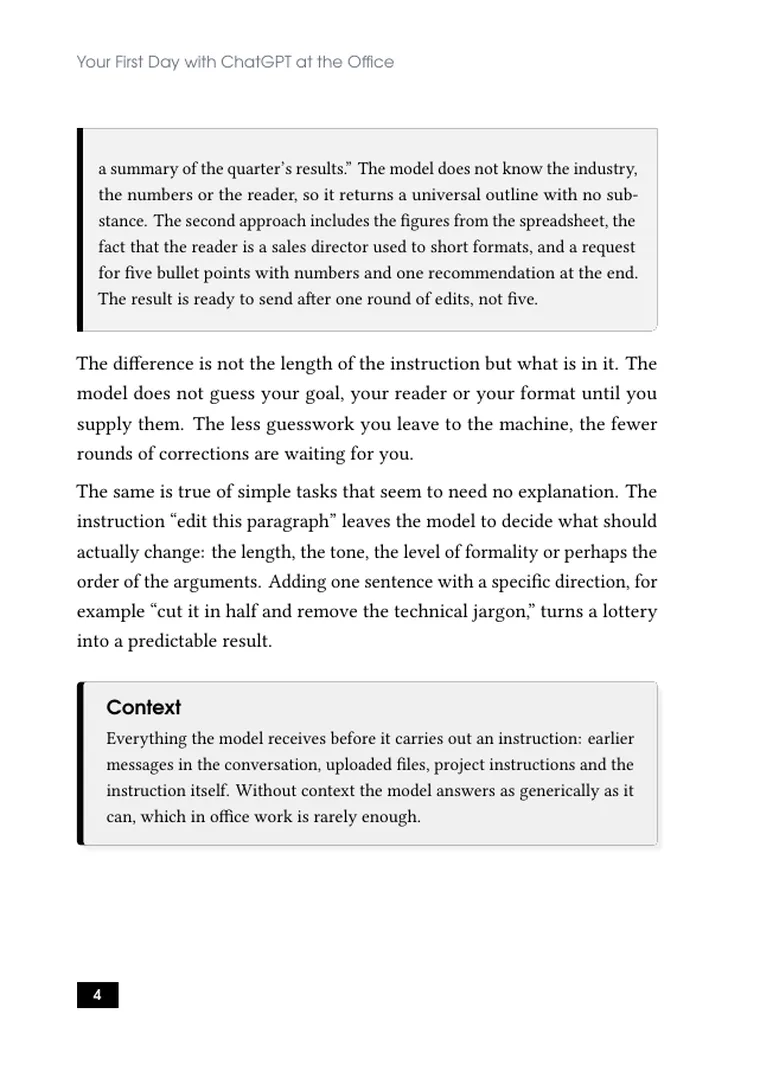
1.Your First Day with ChatGPT at the Office
- A Conversation, Not an Oracle
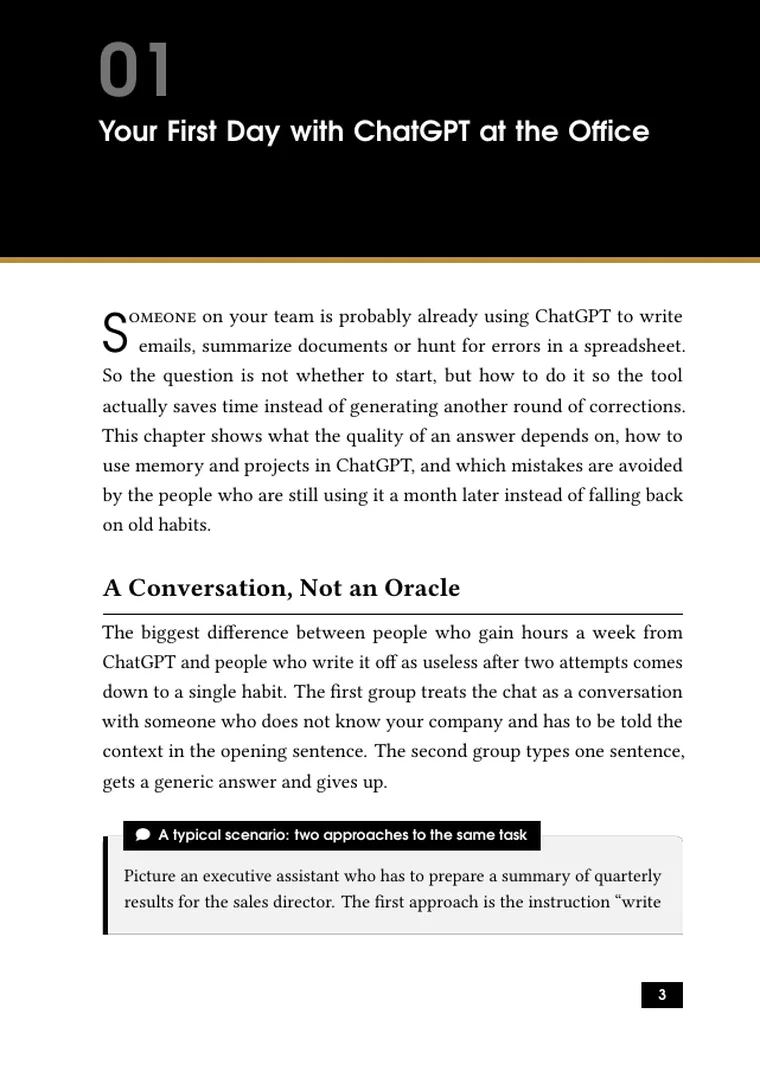
- Iterate Instead of Starting Over
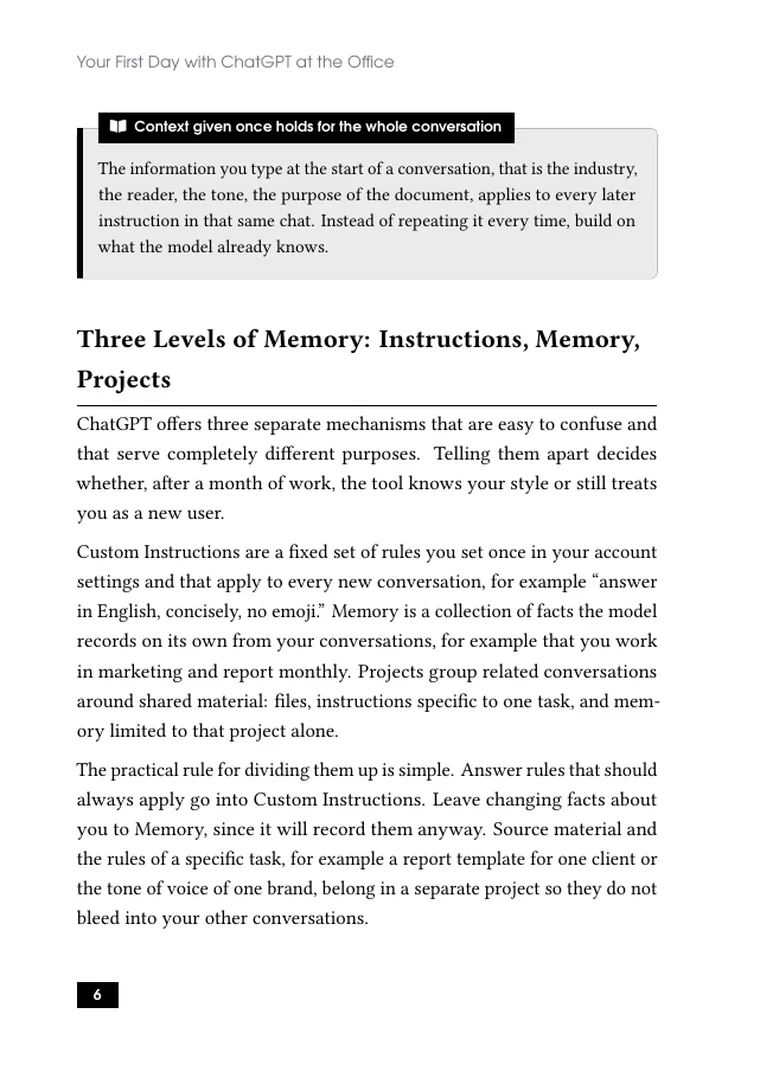
- Three Levels of Memory: Instructions, Memory, Projects
- Where It Pays Off Fastest at the Office
- What to Avoid at the Start
-
2.Writing and Editing Office Documents
- Anatomy of a good writing prompt
- Emails that do not need rewriting
- From a long document to five bullet points
- Editing someone else's text
- Longer documents built in stages
- Shifting register and translating tone between readers
- Outlook and email drafts from inside the inbox
-
3.Data and Spreadsheets
- What Advanced Data Analysis is
- Cleaning data step by step
- Statistics, segmentation and charts
- Combining several spreadsheets at once
- Excel formulas on demand
- The ChatGPT add-in inside Excel
-
4.Meetings, Notes and Staying Organized
- Recording and summarizing a meeting
- From a summary to a specific document
- Teams integration and searching for decisions
- Templates for recurring tasks
- Working with long project documents
- Sorting out your own task list
- When a handwritten note still wins
-
5.Automation, Integrations and Company Data Security
- ChatGPT Work: an agent that carries out tasks on its own
- The integrations productivity actually rests on
- Where trust in automation ends
- Company data security
- How to build this habit in a team
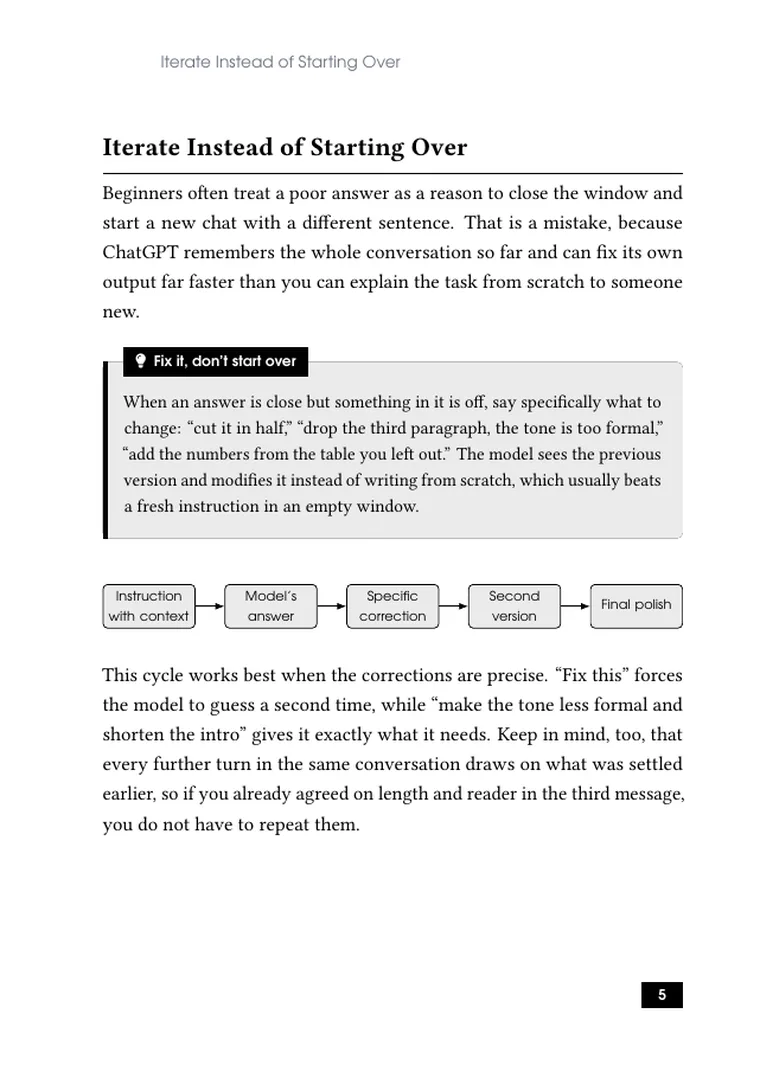
What the pages look like
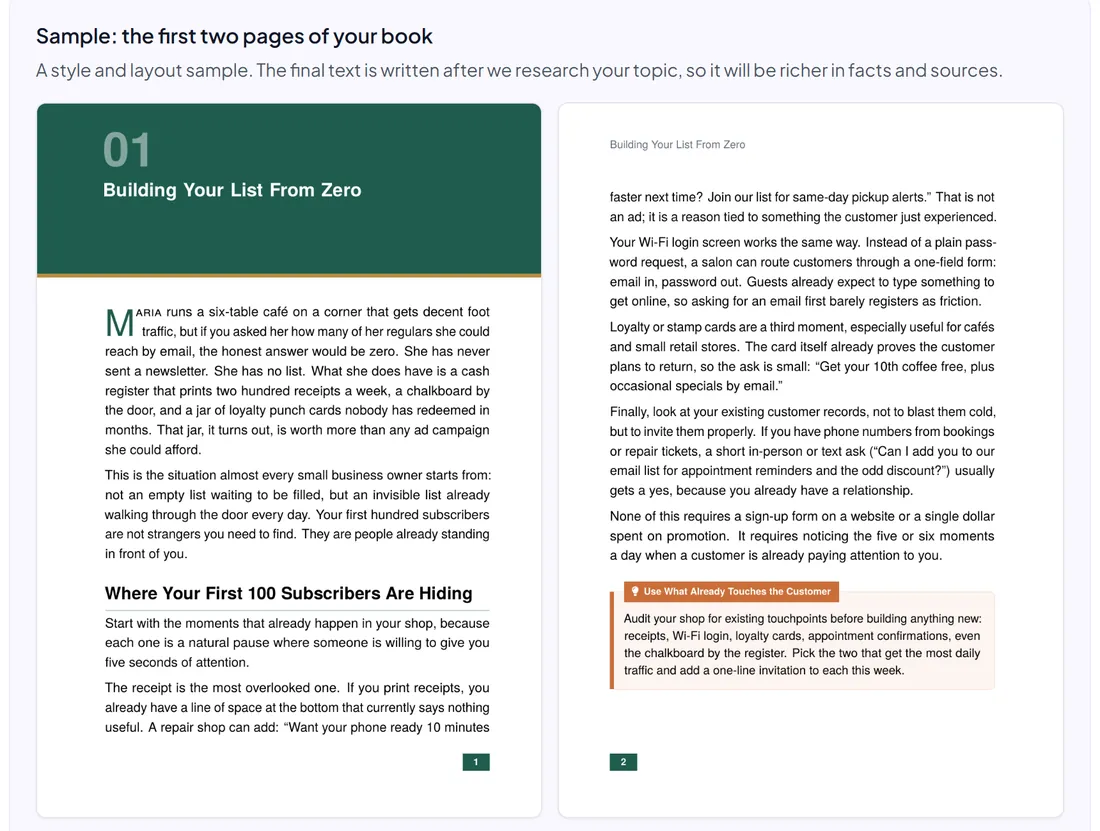
Real pages from the opening of this guide, typeset as they appear in the PDF. Click any page to enlarge it.

From training notes to a guide on every desk
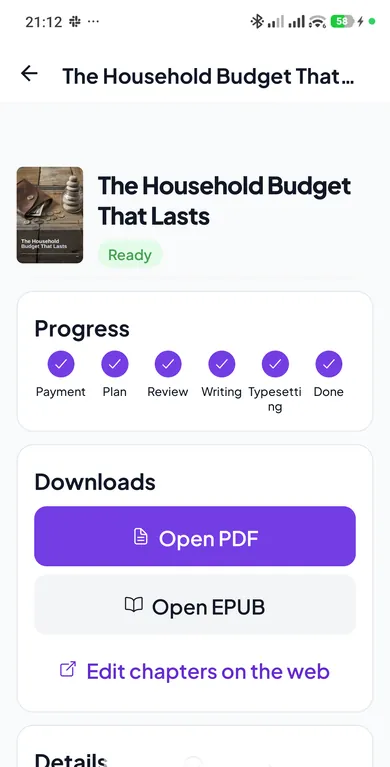
You work in the browser or in the Android app. This is how an office guide comes together.
- 1
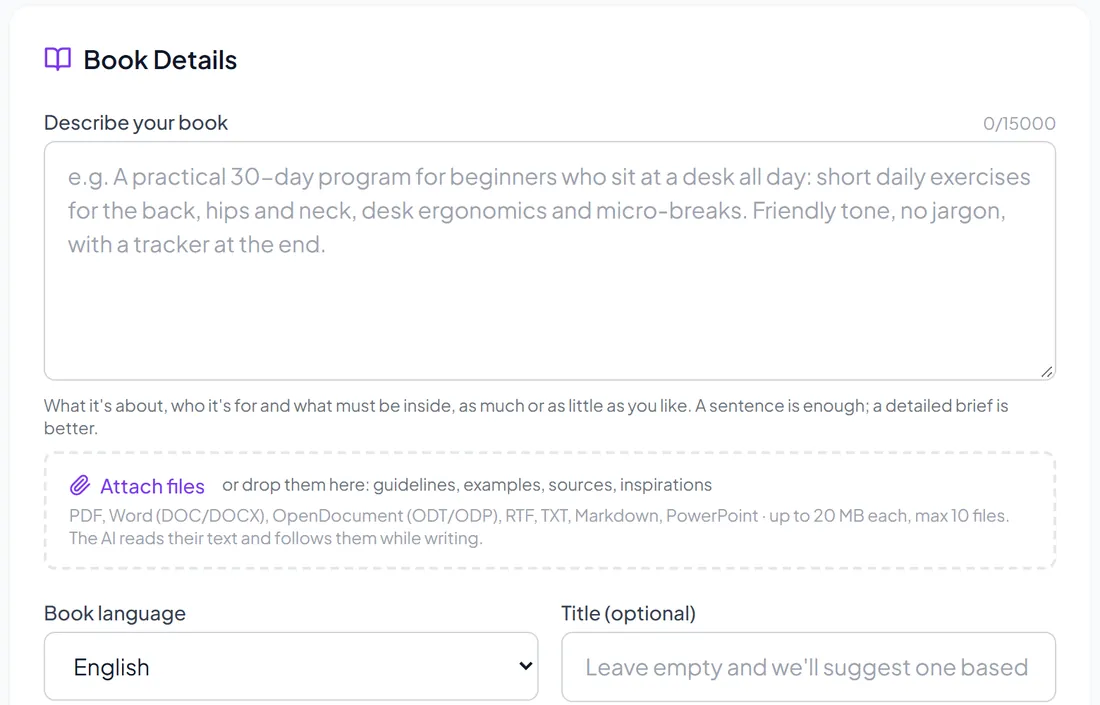
Describe the team and the tools
Name the software, the roles that use it and the tasks the guide should cover. Attach your training notes or existing procedures, leaving out anything confidential.
- 2
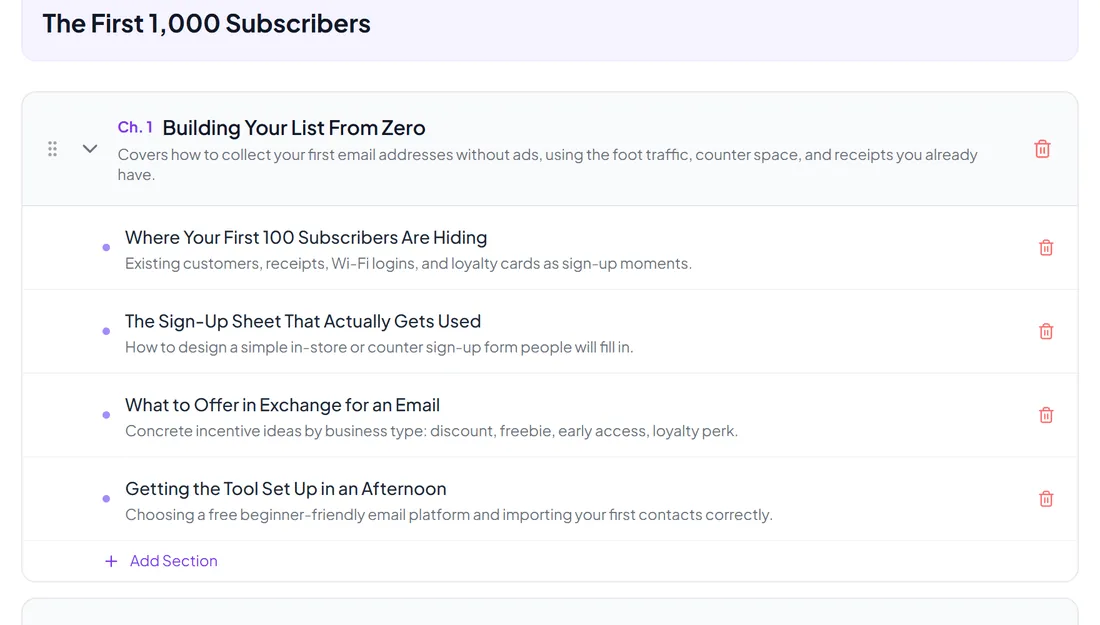
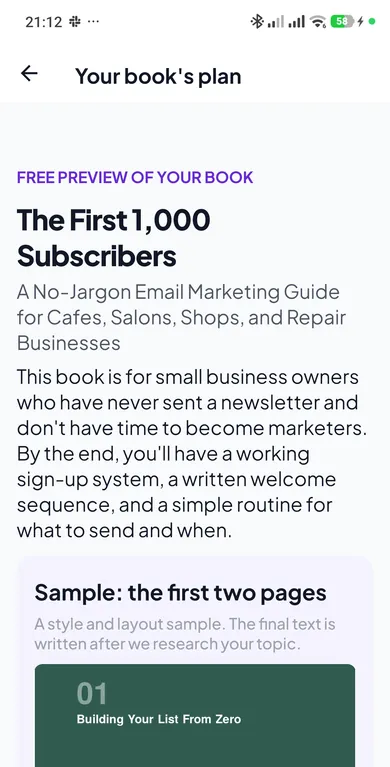
Build the outline around tasks
You get a title and a full table of contents for free. Reorder chapters to match your training, drop features your company does not use and add the questions you hear most.
- 3
Check a 2-page sample
See two pages in the final layout. Check whether the level of detail suits your audience, whether that is new hires or experienced staff, before you pay.
- 4
Add company details and publish
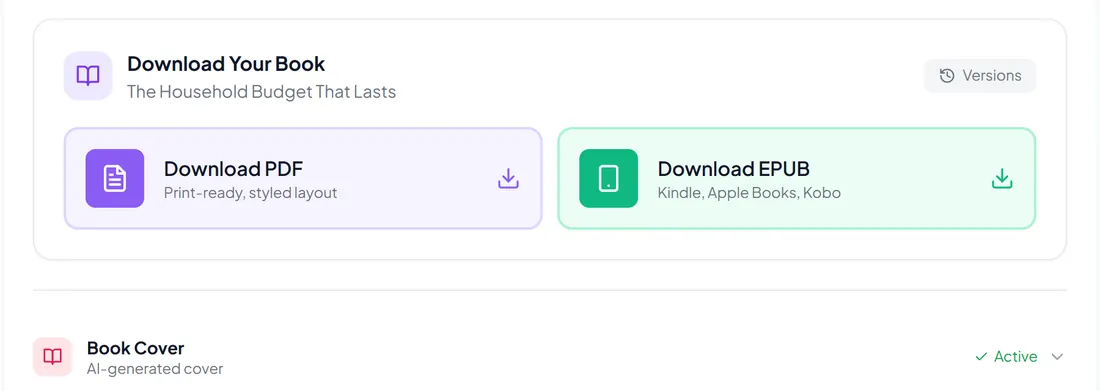
Download the PDF and EPUB. In the chapter editor add internal rules, screenshots and contacts, then rebuild the files and put them on the intranet or learning platform.
How to roll the guide out
An office guide helps only if people know it exists and can find the right page quickly.
Part of every onboarding
Send the guide with the welcome email or include it in the onboarding checklist. New hires have answers before they need to ask.
Assigned reading between sessions
Point participants to one chapter after each training module and start the next session from their questions.
Linked from the helpdesk
When the same question comes in again, reply with the page that answers it. Over time the guide takes pressure off the helpdesk.
Updated with each tool change
AI tools and office software change often. Edit the chapters affected by an update and rebuild, so everyone works from the current version.
Frequently asked questions
Can the guide include our internal procedures?
Yes. Describe your context when ordering, then add company-specific steps, screenshots and contacts in the chapter editor. Keep confidential details out of the description and add them only in the final file you control.
Software changes often. Will the guide go out of date?
Features and menus do change. Check the instructions against the version your company uses before you publish, and edit the affected chapters when a tool is updated. Rebuilding the PDF and EPUB takes one click.
Who checks that the instructions are correct?
The content is researched and language-edited, but you know your setup best. Have a trainer or the tool owner read the guide before rollout, especially steps that depend on your licenses and settings.
Can we share it across the company or sell it to clients?
Yes. You get full rights to the finished book, so you can put it on the intranet, print it for training rooms or offer it to clients of your training company.
How much does a guide cost?
One fixed price per book, depending on the number of pages, with no subscription. The title, table of contents and 2-page sample are free, so you see the structure before paying.
What if I want to change something in the finished book?
You have three options. Edit any chapter yourself in the built-in editor. Tell the AI what to change in a chapter or section (shorten, simplify, add an example): you see the change first and keep it only if you like it, three times per book. Or use “Check by a human”: describe what is wrong and our editor corrects it by hand, free of charge, up to three requests per book.
Give your team a guide they will actually open
Describe your guide in a few sentences. The table of contents and a 2-page sample are free.
Plan my office guideThe table of contents and a 2-page sample are free. You pay only for the finished book.