For course creators and trainers
A workbook your participants actually keep using
Online academies, independent trainers and corporate L&D teams all face the same gap: the session ends and the learning fades. Give participants a typeset companion book with explanations, exercises and checklists that follows your program and stays useful long after the last module.
- Typeset PDF for print and EPUB for e-readers
- Chapters that follow your modules
- Free editable outline and 2-page sample
- One price per book, full commercial rights


Participants need material they can use after the training
Most training materials are a by-product. A deck exported to PDF, a folder of loose handouts, a few links dropped in the course platform. They make sense while the trainer is talking and very little sense a week later, when a participant opens them alone and tries to repeat an exercise. The knowledge was delivered, but the material that should hold it in place was never really designed.
A proper workbook changes how a course is remembered. Participants get one document that walks through each module in order, explains the reasoning behind every step and leaves room to practice. In a spreadsheet training, that means worked examples, tasks of rising difficulty and a checklist to review before the next session. For an online academy it is something tangible to deliver with the enrollment. For an L&D team it is a consistent reference that every cohort receives in the same form, whoever runs the session.
The reason most programs skip it is cost. Writing a companion book means weeks of work for the trainer or an outside writer, then editing and layout on top. With InkMagnet you describe the course and its participants, arrange the chapters to match your modules and check two typeset pages for free. After payment the book is researched, written chapter by chapter, language-edited and set into PDF and EPUB, ready for the next cohort.
Materials course creators make
Start with what participants ask for after the session ends. Formats that suit training work:
Exercise workbook
Tasks for each module with step-by-step explanations, from basic to advanced. Participants practice at their own pace and return to the exact exercise they need.
Companion book for an online course
The written version of your video lessons, organized by module. Useful for people who learn better from text and for anyone reviewing before an exam or assessment.
Pre-course primer
What participants should know before day one: key terms, basic setup and a short self-check. Groups start at a more even level and you spend less time on catch-up.
Onboarding handbook
For L&D and HR teams: a structured guide for new hires on processes, tools and standards, delivered in the same form to every new person.
Reference and cheat sheet book
Procedures, formulas, shortcuts and checklists gathered in one place. The book participants keep on their desk after the training is over.
Bonus for enrollment
A short book offered with sign-up or used as a free sample of your teaching style. Full commercial rights let you include it in a paid course or sell it on its own.
A real book made with InkMagnet
Example: an Excel exercise workbook
A workbook made in InkMagnet for participants of a spreadsheet training, with explanations, practice tasks and summaries for each topic. Below is its full table of contents. Your workbook will follow your own course with the same depth and structure.
Excel for Office Work: An Exercise Workbook for Training Participants · 58 pages
Table of contents
-
1.How to Use This Workbook
- Before You Start
- How to Read the Formula Notation
- Structure of One Exercise
-
2.Formatting and Tables
- Why We Start With How the Sheet Looks
- Cleaning Up a Worksheet and Formatting Numbers and Dates
- Converting a Range Into an Excel Table
- Table Styles and Filtering Headers
-
3.Formulas and References
- Two Kinds of References, One Common Mistake
- Your First Formula: Net Price to Gross Price
- Relative References When Copying a Formula Down
- Absolute References to a Fixed Rate
-
4.The IF Function
- One Decision, Three Levels of Difficulty
- A Simple Condition: Order Fulfillment Status
- Nested IF: Three Bonus Tiers
- IF With AND and OR: Discount Qualification
-
5.VLOOKUP and XLOOKUP
- Finding Data in Another Table
- Your First VLOOKUP: a Product's Price from the Price List
- The #N/A Trap and the Fourth Argument
- Switching to XLOOKUP
-
6.Conditional Functions: SUMIFS and Its Family
- Summing, Counting, and Averaging by Condition
- SUMIFS With a Single Condition
- SUMIFS With Multiple Conditions
- COUNTIFS and AVERAGEIFS
-
7.Sorting and Filtering
- Putting a Large List in Order
- Multi-Level Sorting of an Order List
- Custom Filter: a Range of Values
- An Autofilter Across Multiple Columns at Once
-
8.PivotTables
- Summarizing Without Writing Formulas
- Your First PivotTable: Sales by Department
- Grouping Dates in a PivotTable
- A Calculated Column and Percentage Share
-
9.Charts
- When Numbers Are Better Shown Than Listed
- A Column Chart Comparing Departments
- A Line Chart for a Trend Over Time
- A Chart From a PivotTable
-
10.Conditional Formatting
- Color as a Signal, Not Decoration
- Color Scales for Sales Values
- A Rule With Its Own Formula: Overdue Deadlines
- Data Bars and Managing Rules
-
11.Final Project: Monthly Department Report
- One Data Set, Every Skill Learned
- Preparing and Cleaning the Source Data
- Summarizing With Formulas and a PivotTable
- Visualization and Signaling: a Chart and Conditional Formatting
-
12.Summary and Next Steps
- A Map of Thirty Exercises
- What Comes Next When This Workbook Is Done
- Before You Close This Workbook
What the pages look like
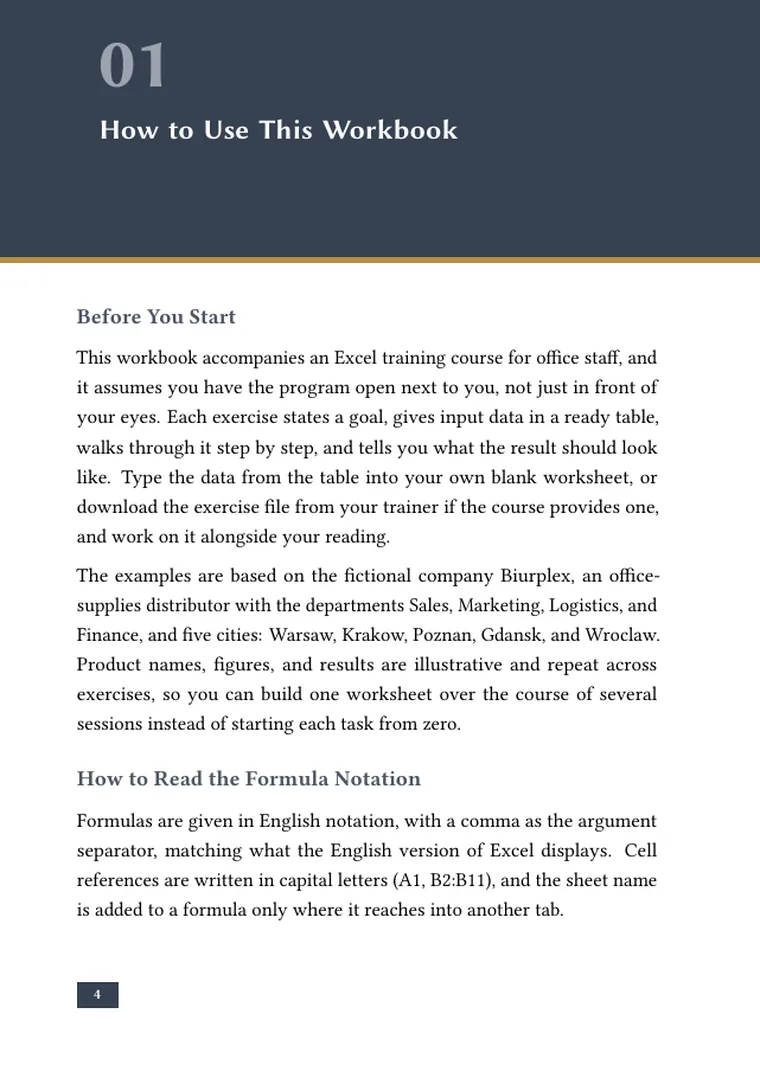
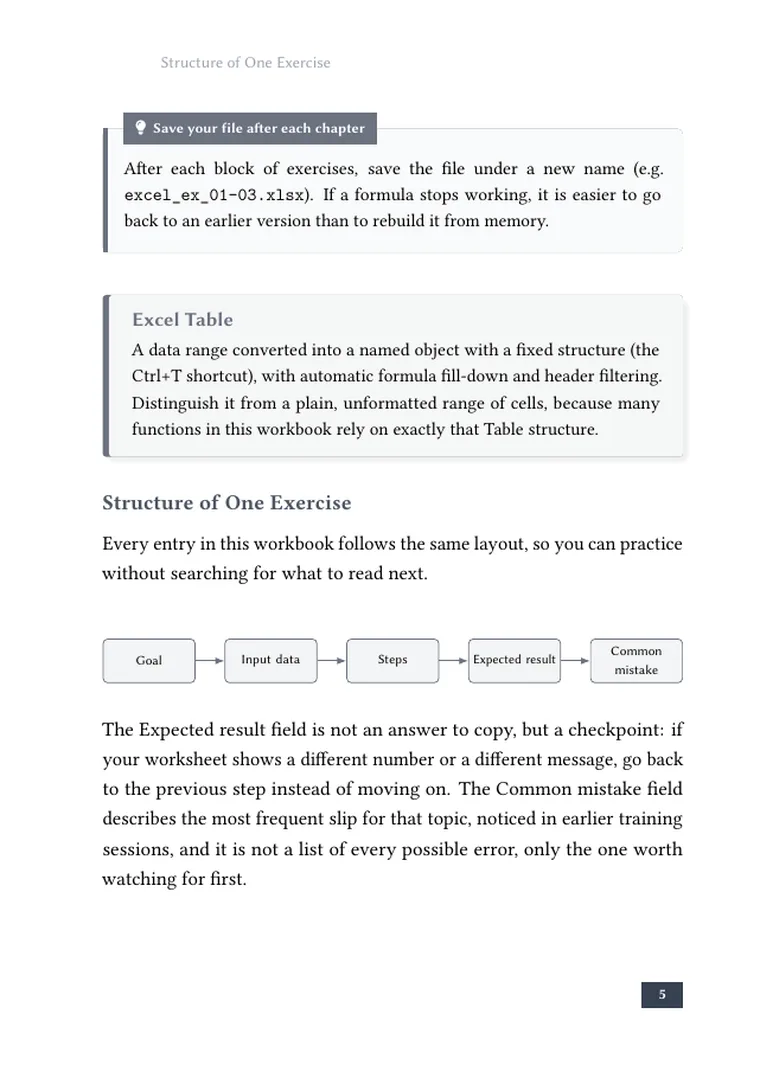
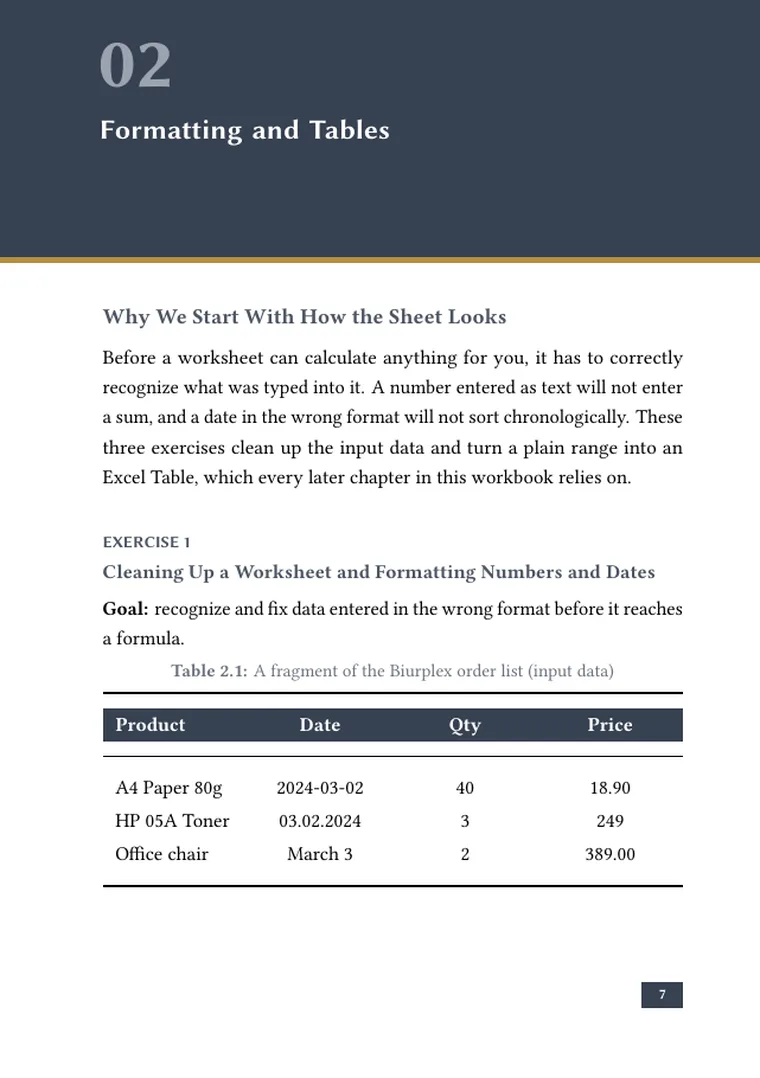
Real pages from this workbook: step-by-step instructions, tables, exercises and highlighted tips. Click any page to enlarge it.

From course outline to participant workbook
You work in the browser or in the Android app. This is how a training workbook is made.
- 1
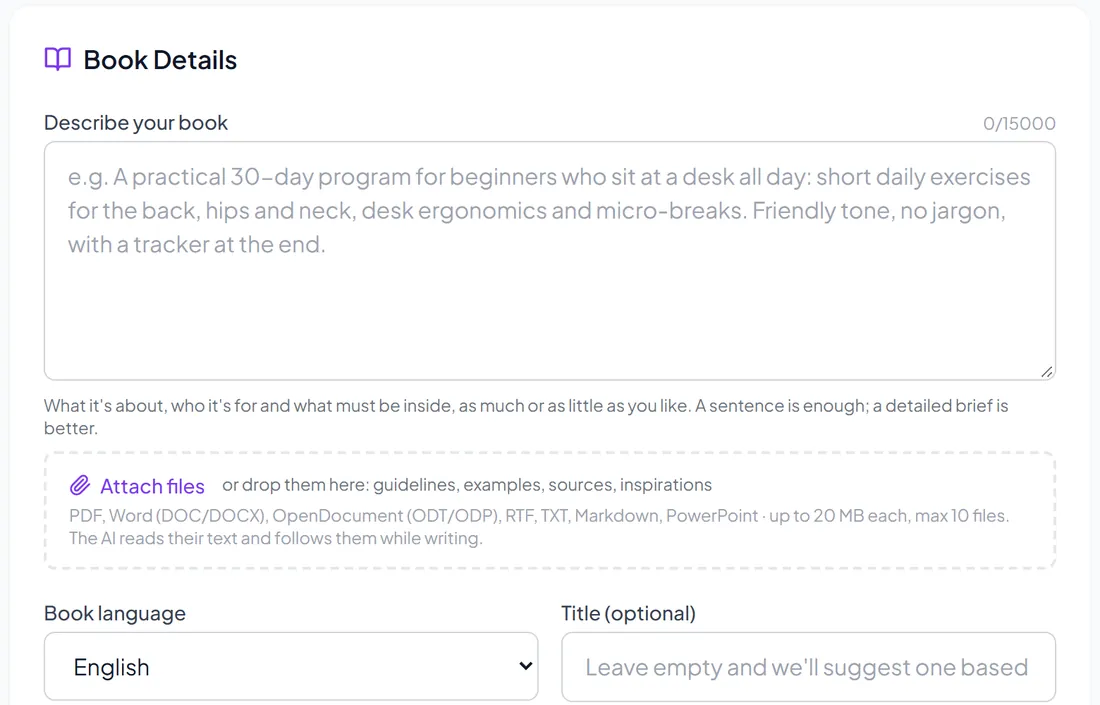
Describe the course and the group
Name the subject, the level of your participants and the modules you teach. Say whether you need exercises, checklists or a reference section so the book matches how you run the training.
- 2
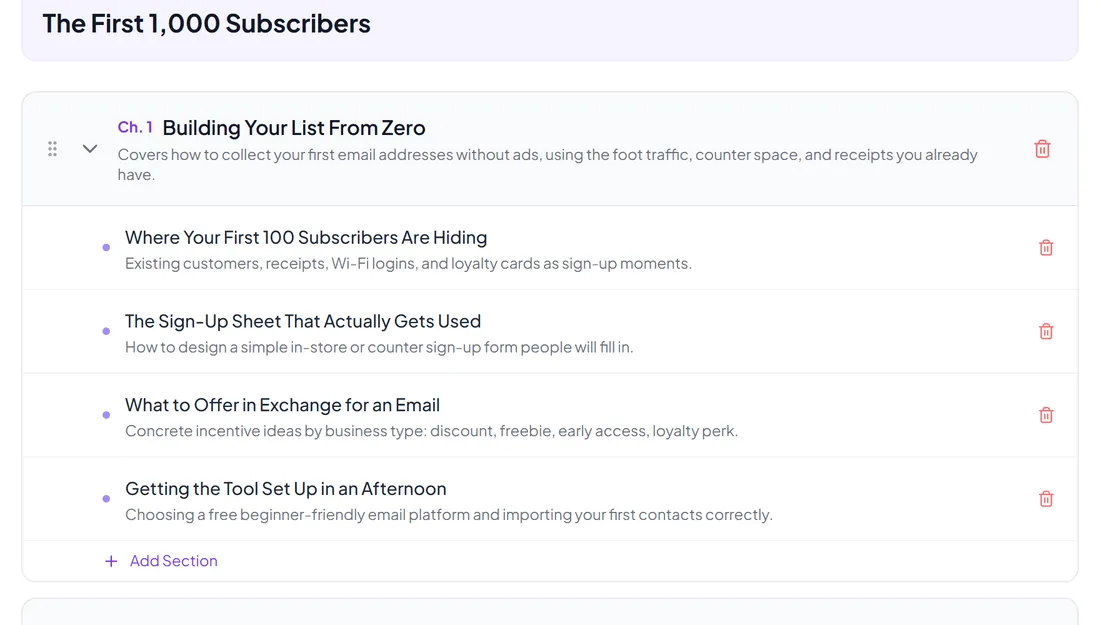
Map chapters to your modules
You receive a title and a full chapter plan for free. Reorder it to follow your program, merge or split topics and add the parts participants find hardest.
- 3
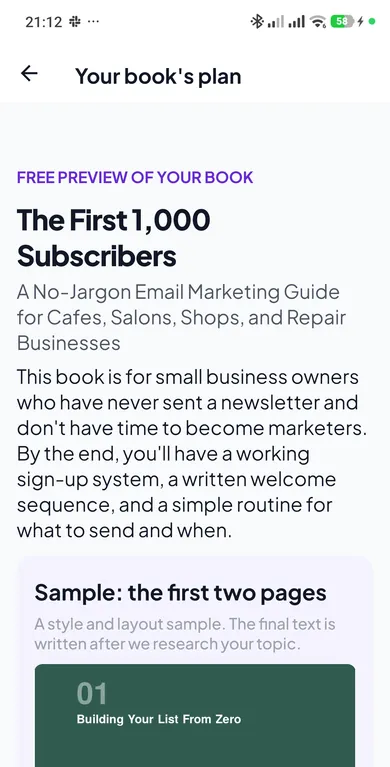
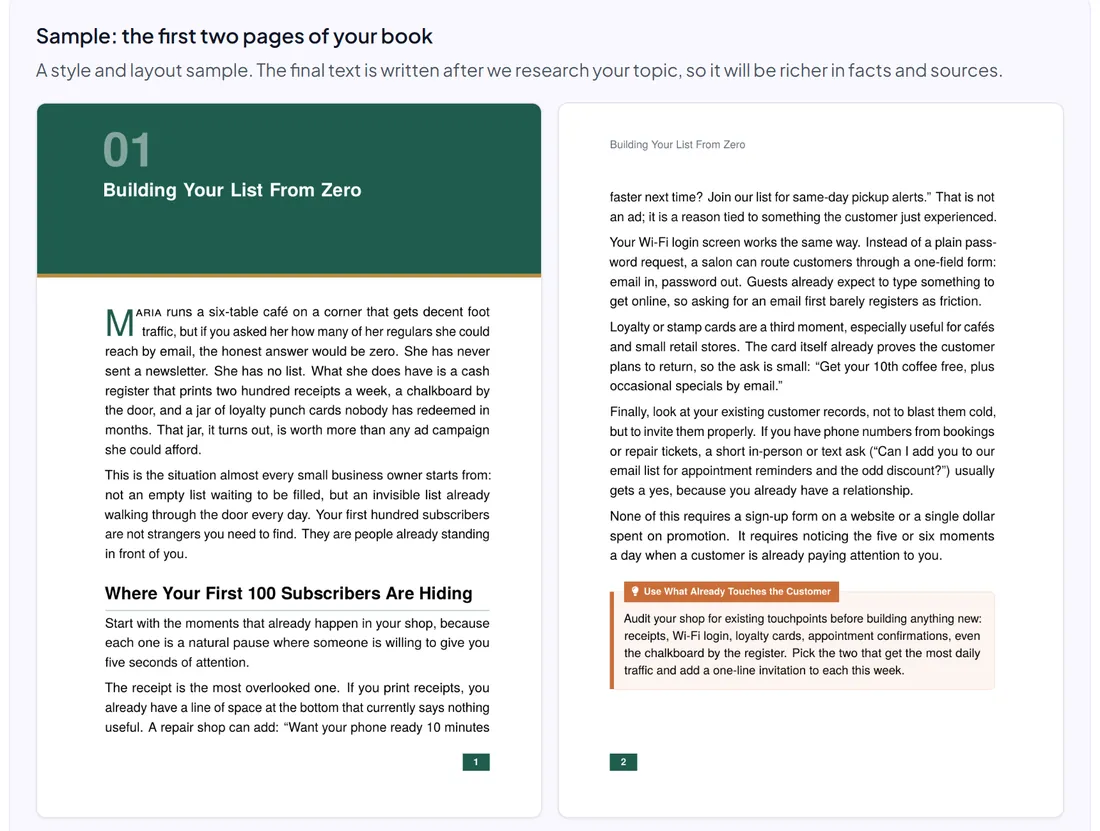
Review two typeset pages
See the opening pages in the final layout and style. Check whether the explanations suit your group's level before you commit to the full workbook.
- 4
Hand it out to every cohort
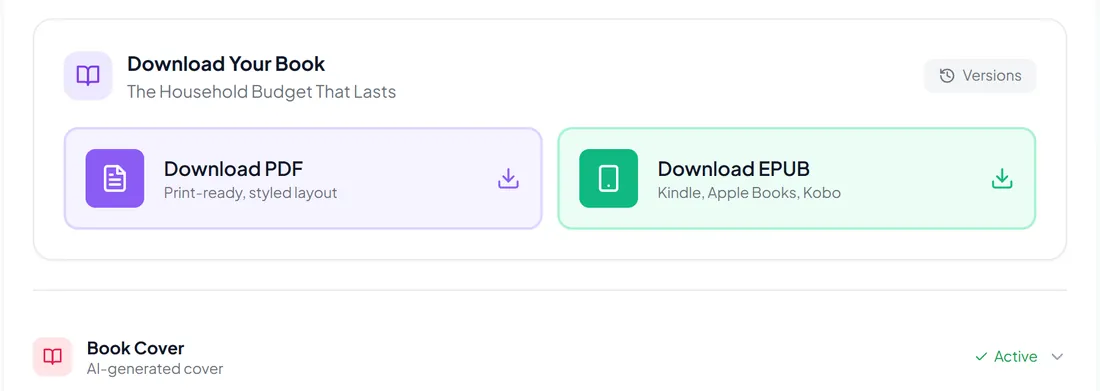
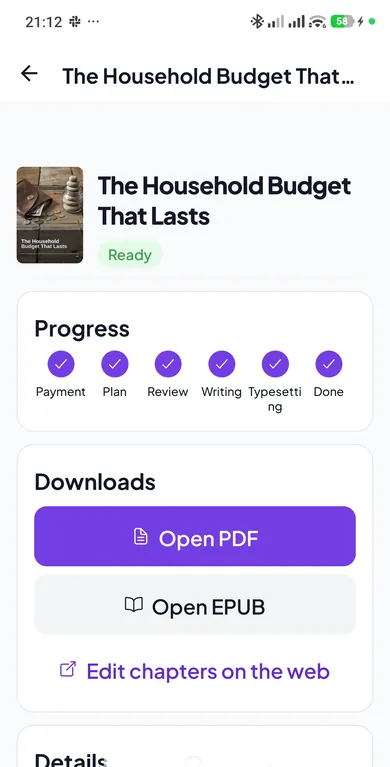
Download the PDF for printing or your course platform and the EPUB for e-readers. Update a chapter in the editor when your program changes and rebuild the files.
How to use the workbook in your training
A workbook works best when it is built into the course rather than attached at the end.
Assign chapters between sessions
Point participants to one chapter and its exercises after each module. The next session can start from questions instead of repeating the material.
Print it for in-person groups
A printed copy on each desk gives participants space to take notes next to the explanations and keeps everyone on the same page during exercises.
Make it part of the enrollment
Deliver the PDF with the welcome email or inside your course platform. Participants have the full program in their hands from day one.
Keep it current between editions
When a tool, procedure or module changes, edit that chapter and rebuild. Each new cohort gets the updated version without starting over.
Frequently asked questions
Can the workbook follow my exact program?
Yes. You describe your modules and then edit the free outline so chapters match them, in your order. After the book is ready you can rewrite any part in the WYSIWYG chapter editor and rebuild the PDF and EPUB.
Can I add my own screenshots and examples?
Yes. Insert your own images, such as screenshots from the software you teach or photos from your workshops, and adjust the examples in the editor so they match what you show in class.
Can I sell the workbook or include it in a paid course?
Yes. You get full commercial rights to the finished book, so you can bundle it with enrollment, print it for corporate clients or sell it separately.
Who checks that the content is correct?
The content is researched and language-edited, but you know your field and your program best. Review the workbook before you hand it out, especially technical steps and anything specific to your organization or industry.
Does it work for internal corporate training?
Yes. Describe your audience and context, and add internal procedures yourself in the editor. Keep confidential company details out of the description and add them only where you control the final file.
How much does a workbook cost?
One fixed price per book, from $9.99 depending on length, with no subscription. The outline and the 2-page sample are free, so you see the structure and the layout before paying.
What if I want to change something in the finished book?
You have three options. Edit any chapter yourself in the built-in editor. Tell the AI what to change in a chapter or section (shorten, simplify, add an example): you see the change first and keep it only if you like it, three times per book. Or use “Check by a human”: describe what is wrong and our editor corrects it by hand, free of charge, up to three requests per book.
Give your next cohort something to keep
Describe your course in a few sentences. The outline and a 2-page sample are free.
Plan my course workbookThe table of contents and a 2-page sample are free. You pay only for the finished book.