Sample book generated with AI
Excel for Office Work: An Exercise Workbook for Training Participants
Course material for trainees: 30 step-by-step exercises, from formatting tables through IF and VLOOKUP to pivot tables, each with an expected result to check.
Technology Minimal · 58 pages · in English

What's inside
The complete table of contents: exactly the chapters and sections you'll find in the file.
Chapter 1
How to Use This Workbook
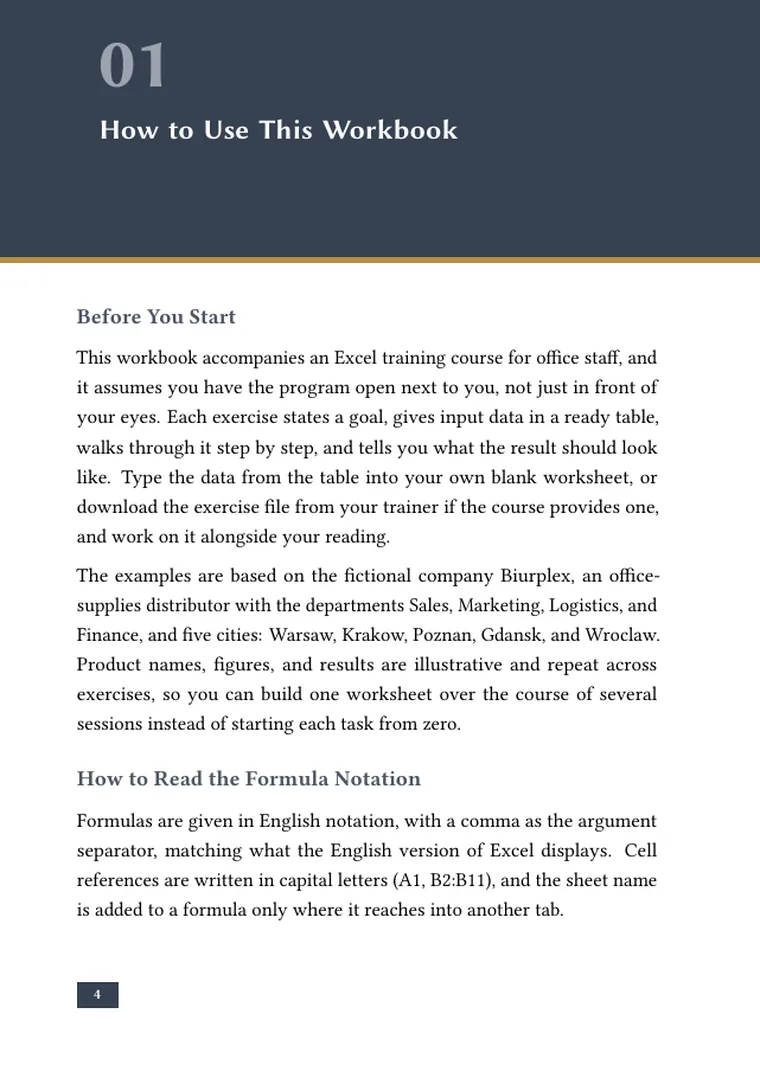
- Before You Start
- How to Read the Formula Notation
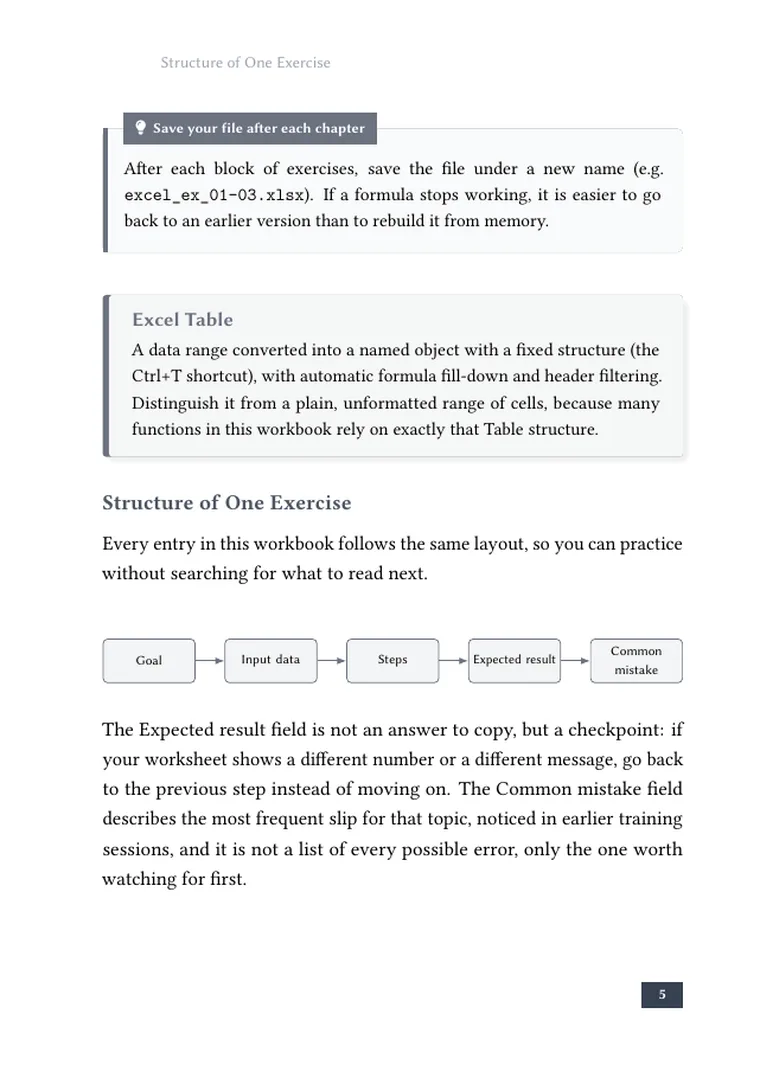
- Structure of One Exercise
Chapter 2
Formatting and Tables
- Why We Start With How the Sheet Looks
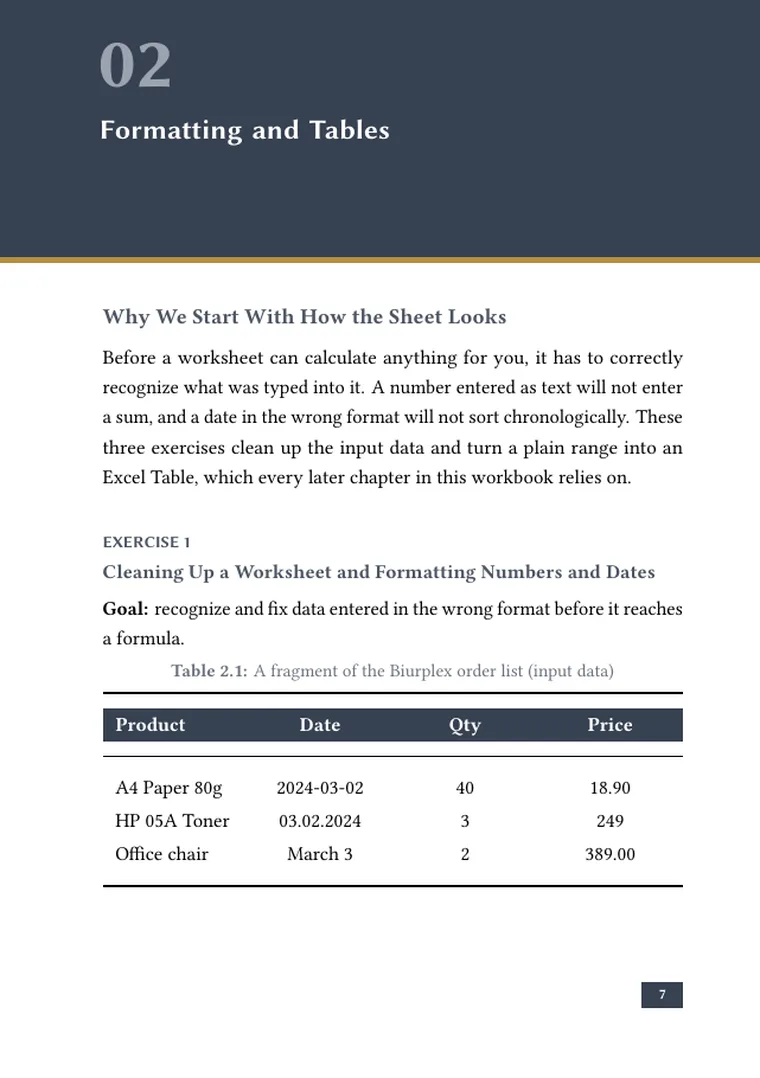
- Cleaning Up a Worksheet and Formatting Numbers and Dates
- Converting a Range Into an Excel Table
- Table Styles and Filtering Headers
Chapter 3
Formulas and References
- Two Kinds of References, One Common Mistake
- Your First Formula: Net Price to Gross Price
- Relative References When Copying a Formula Down
- Absolute References to a Fixed Rate
Chapter 4
The IF Function
- One Decision, Three Levels of Difficulty
- A Simple Condition: Order Fulfillment Status
- Nested IF: Three Bonus Tiers
- IF With AND and OR: Discount Qualification
Chapter 5
VLOOKUP and XLOOKUP
- Finding Data in Another Table
- Your First VLOOKUP: a Product's Price from the Price List
- The #N/A Trap and the Fourth Argument
- Switching to XLOOKUP
Chapter 6
Conditional Functions: SUMIFS and Its Family
- Summing, Counting, and Averaging by Condition
- SUMIFS With a Single Condition
- SUMIFS With Multiple Conditions
- COUNTIFS and AVERAGEIFS
Chapter 7
Sorting and Filtering
- Putting a Large List in Order
- Multi-Level Sorting of an Order List
- Custom Filter: a Range of Values
- An Autofilter Across Multiple Columns at Once
Chapter 8
PivotTables
- Summarizing Without Writing Formulas
- Your First PivotTable: Sales by Department
- Grouping Dates in a PivotTable
- A Calculated Column and Percentage Share
Chapter 9
Charts
- When Numbers Are Better Shown Than Listed
- A Column Chart Comparing Departments
- A Line Chart for a Trend Over Time
- A Chart From a PivotTable
Chapter 10
Conditional Formatting
- Color as a Signal, Not Decoration
- Color Scales for Sales Values
- A Rule With Its Own Formula: Overdue Deadlines
- Data Bars and Managing Rules
Chapter 11
Final Project: Monthly Department Report
- One Data Set, Every Skill Learned
- Preparing and Cleaning the Source Data
- Summarizing With Formulas and a PivotTable
- Visualization and Signaling: a Chart and Conditional Formatting
Chapter 12
Summary and Next Steps
- A Map of Thirty Exercises
- What Comes Next When This Workbook Is Done
- Before You Close This Workbook
Look inside
The cover and the first pages of chapter one (from p. 6). Raw renders from the final PDF, unretouched. Click to enlarge.



This book started as a single topic
The generator wrote the content, matched the illustrations and typeset the whole thing into a PDF and EPUB. Your book can be next.